Wednesday, 15 April 2015

Download Opera Browser for PC - Windows XP 7 8.1 10 and MAC OS

Posted by Unknown
Download Opera Browser for PC : Opera is multiplatform web browser which is developed by Opera. It has been running since many recent years and is placed at 4th top browser in the world now. Only browser available on so many OS like Android, Windows, OS X, Linux, IOS, Symbian, Maemo, Bada, Blackberry and Windows mobile. It is a perfect browser for mobile browsing as well with such great speed, accuracy and top features. According to stats there are more than 350 million users by the end of 2014 which is still consistently growing. They have adopted many features afterwards. You can view all your news, websites in a complete different manner using Opera. Though it is behind in terms of users and features than other browsers like Google, Firefox and Internet Explorer. It is still a rich browser which gives heavy competition to its competitors. The developers are very innovative bringing new design ideas, features and many more.

Download Opera Browser for PC - Windows and MAC 

Download Opera Browser for PC
Opera browser has a very different UI design and interface than all others browser which separates it from them. You can use Speed Dial, Bookmarks pages whenever you launch the browser. At the start up pages they offer Discover which brings all the news from differ sites over worlds to you. They include Tabbed browsing, Download manger,Private browsing as some of their prolific features. You can set your privacy settings accordingly giving you control over to delete, browsing history, cache and cookies. You can also install web extension called as Addons to make extra customization to the browser. Some of the extensions found at Opera marketplace are Adblock plus, Feedly, Pinterest and etc.
Also See : Love Whatsapp Status 

Opera Browser Features 

Opera is multimedia featured browser with very speedy and quick navigation overall. Being a rich featured browser with fast and secure qualities make it a top notch browser. Let's have a glance over the features of it now.
Download Opera Browser for PC
Tabbed Browsing: Tab browsing is very popular and must have feature for great browsers
Speed Dial: Difficult to remember to many webpages, add their thumbnails displayed when new tabs are opened
More addons: Addons are great to customize browser and add value to its appearance. You can find many addons in the opera addons marketplace
Fast and Swift: Opera might not be the fastest but its still a quick loading browser with great flexibility
Access: You can now use your Keyboard to control some of aspects like Zooming, Shortcuts and others
Turbo Mode: Turbo mode is another feature which boosts up the webpage loading speed making it load very quickly than normal
Privacy and Security: Like all others browser you have the control over your Privacy and your secure from Hacking, Phishing and other malwares

Must Check : Whatsapp for Samsung 
Download Opera Browser for PC - Windows XP 7 8.1 10

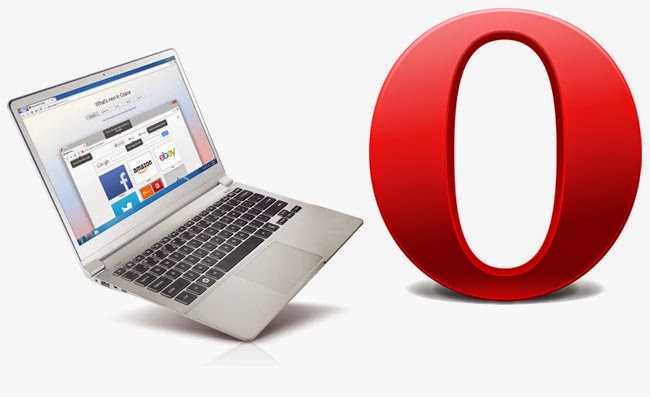
Opera well not on the list of top browser but is still one of the best Browser ranking on 4th in the list. It has so many good features, really sensible design, cool interface which has attracted millions of users towards it. It is now available for Windows, O X and Linux Desktop operating systems. So, Let me show you how you can download and install Opera browser for PC and Laptop.
Download Opera Browser
  • First visit Opera browser official website from here 
  • Next got to Computer and Click on Free Download button
  • Save the Setup file and Run it after downloading
  • Open the installer and click on Accept and Install to continue
  • Now follow some on screen steps and installation will be completed
  • Now a Shortcut is placed on desktop after installation
  • Open it by double-click and Start browsing web using Opera browser
Tuesday, 14 April 2015

Download Racing Fever Game for PC [ Windows XP 7 8 and MAC ]

Posted by Unknown
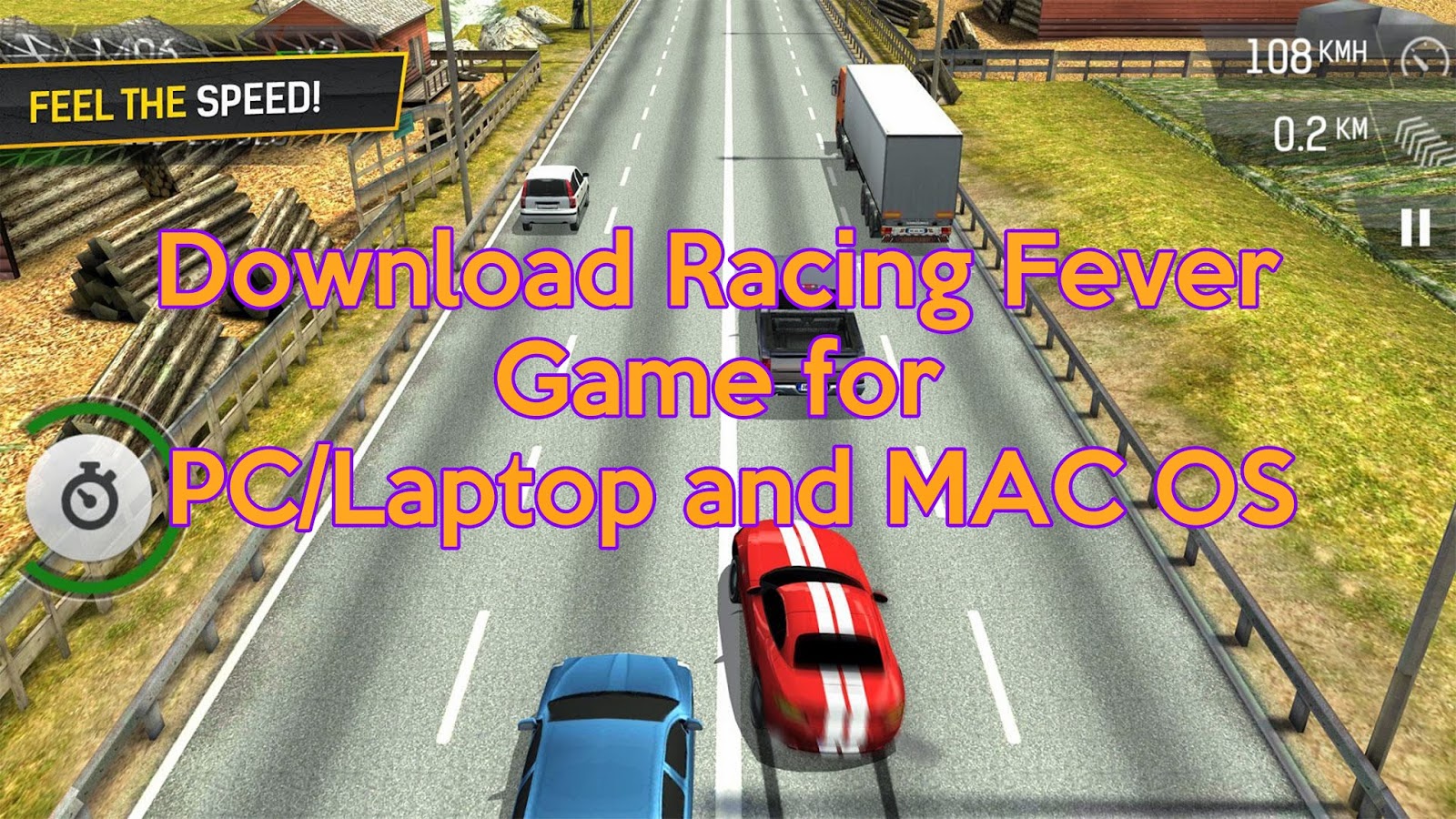
Racing Fever is a high speed racing game with really great 3D effects. This is an amazing game which has the qualities of all bets racing game such as new Cars and better racing tracks. To be precise, it is more like the Traffic Racer game but here you can build a very customizable car unlike other games. The tracks, cars and the a gameplay is pretty decent. Every time you race, you can collect coins which can be used later in the game to upgrade your cars and make them look more stylish. To earn coins in this gamer you have to driver either at very high speed or drive through wrong lane making it difficult to collect coins but it makes this game merely interesting to play.

Download Racing Fever Game for PC - Windows XP 7 8.1 

Download Racing Fever Game for PC

While driving you can chose the camera view best suitable for you. Some of the camera modes are First person, Tyre view and whole view. There are four different game themes which can be played on new 4 different game modes. More importantly the game developers have been increasing the game modes and they are on the way. There are More than 15 different cars to unlock and upgrade using your coins. You can make the use of coins by buying new cars, coloring rims, Vinyls and others. Bonus game is really an amazing feature of this game where each driver or users gets chance to pay a very important race. If you win this race, you can win a free car next time without spending a coin. You can score more and get your new on the leader board top list. The game controls are simple because you just have to tilt the device to steer left or right and the cars goes on.
Also See : Download Hotstar 

Racing Fever Game for PC Features :

Racing Fever is a very additive racing game which is created to full fill every racers dram. It is a simple game which is similar to Traffic racer but have very impressive gaming qualities. Let me show you the feature of this game.
Download Racing Fever Game for PC
  • New cars with great speed, looks and handling powers
  • Collect coins at high speed or going on wrong direction lane easily
  • Racing tracks and Roads are very good looking 
  • You can control by tilting the Smartphone to steer left and right
  • This game has a decent gameplay with 3D effects
  • You can use coins to upgrade cars and buy new ones

Download Racing Fever Game for PC on Windows XP 7 8.1

Racing Fever makes you experience of high speed racing without speed limit. Cross the cars and trucks with unlimited speed limit. Racing Fever is not yet available on Windows PC/Laptop. We need to download Android PC Emulator software to play this amazing game in our PC/Laptop. Bluestacks will install Android games on PC and make them run easily. Using Bluestacks we can experience high speed Racing Fever Game. Follow below steps to install and run Racing Fever for PC using Bluestacks.
Download Racing Fever Game for PC
  • First download and install Bluestacks for PC from here.
  • Now search for ''Racing Fever'' game
  • Then click on install button and wait to proceed
  • Game icon will now appear in your menu
  • Open Racing Fever to play and experience high speed

Download Racing Fever Game for PC Windows XP 7 8.1 

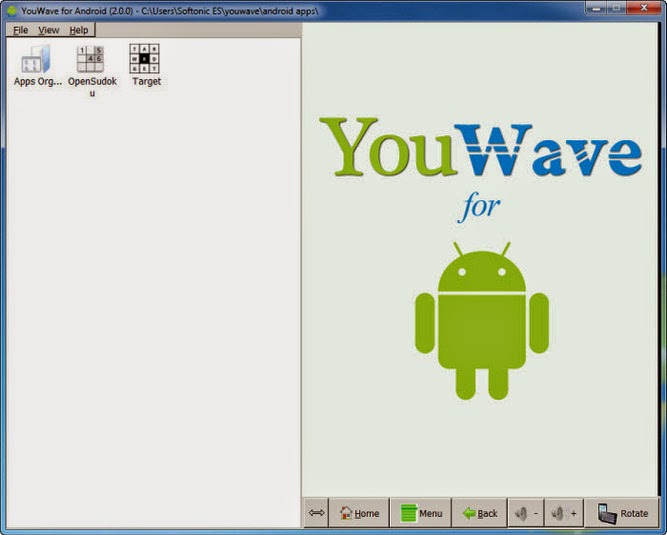
Racing Fever can also be downloaded on PC windows using YouWave emulator. This is a best alternative after the Bluestacks emulator. Using YouWave we can install Racing Fever game and have fun with high speed cars on heavy roads. Below are the steps to follow for installing Racing Fever on PC using YouWave.
Download Racing Fever Game for PC
  • Firstly, download and install YouWave on PC from here
  • Now search for ''Racing Fever '' game
  • Then click on install and wait for installation
  • Game icon will be in your apps menu
  • Open racing Fever and start racing

Download Racing Fever Game for Mac OS 

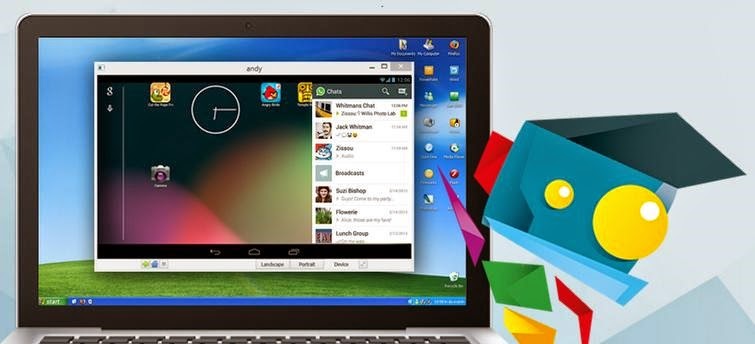
Racing Fever is available on Smartphone devices. We need to install an Android Mac emulator to install Racing Fever Game on Mac device. Android emulator will install any android game on Mac device easily. Using this we can use Android apps or games on Mac device. Here are steps for download and install of Racing Fever Game on Mac OS device using Andyroid.
Download Racing Fever Game for PC
  • First of all, download and install Andyroid on Mac device from here
  • Now search for ''Racing Fever' game in search bar
  • Then click on install button and wait for installation
  • Open Racing Fever Game from apps menu and start playing

Monday, 13 April 2015

Download Asphalt 8 for PC and Laptop [ Windows 7 XP 8.1 and MAC ]

Posted by Unknown
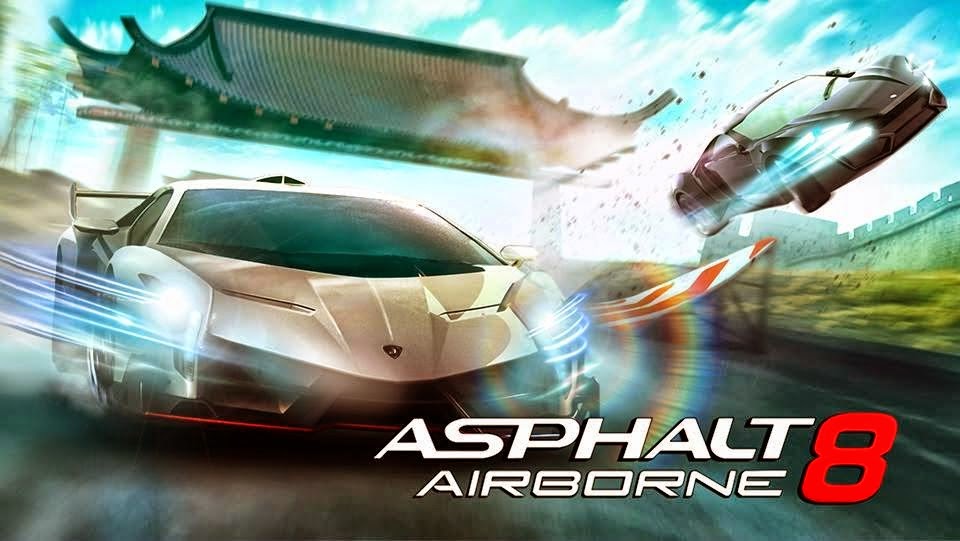
Download Asphalt 8 for PC : Asphalt 8 Airborne is one of the most wanted and successful racing game series ever.This is actually an awesome racing game with perfect natural controls, precise momentum  and more than just normal track racing. We all know that Asphalt series has been running for a long time now and this is the eight game in this series. It is developed by Gameloft developer studios who make sensational games in every corner. This game allows you to perform high aerial stunts and dynamic stuns with an extremely driving experience. You can feel the real power and experience brand new cars and their high speed on the racing track. There is no limit to performance cars as you can roll into more than 50 new and high speed cars with extreme abilities. While racing you can feel the extremely real motor sand audio sounds from surroundings which makes it more amazing to play.learn how to download asphalt 8 for PC from this guide

Download Asphalt 8 for PC - Windows and MAC

Download Asphalt 8 for PC
Play in more than 9 different locations and some new exotic destinations as well. You can play individually in carrier mode or play with your friends online in Multiplayer mode as well.
To be precise I call this game as the best racing game with modern touch because you can play up to 8 seasons and 180 different events only in carrier mode. You can challenge many others in the multiplayer mode. You can take on ghost challenges as well. Different stereos type music while you play which relaxes your mind.You can perform ultimate drifts and high aerial stunts with 360 degree
 angle which gives you extra credit.

Also See : Whatsapp for Samsung

Asphalt 8 For PC Game Features 

Asphalt 8 is a top notch drag racing game with such great controls and gaming experience ever. So, Why don't you have a glance over its features now.
Asphalt 8 for PC
  • Play with 56 new and high performing cars from brands like Lamborghini , Bugatti and Ferrari
  • Fell the high definition car motor sounds and relaxing audio music
  • Perform high rolling air stunts and hit the ramp making dynamic stuns
  • Race in more than 9 different locations and some new exotic locations as well
  • Play in more than 8 seasons and 180 different events only in Carrier mode
  • Challenge your friends  and Opponents online in Multiplayer mode

Download Asphalt 8 for Windows 7 XP  8.1 

Asphalt 8 the most successful racing game can now be played on your PC. We will be using an Android emulator to run this game on Windows PC for free. Bluestacks is really an awesome and useful emulator which allows us to run different Android games and Apps on PC for free. I will be showing you how to download and Install Asphalt 8 Airborne 8 game on PC/Laptop using Bluestacks emulator.
Asphalt 8 for PC
  • So firstly you have to download and Install Bluestacks Offline Installer for PC
  • Next search for game " Asphalt 8 Airborne" using search bar
  • Then select the corresponding game from search list and Click on Install button
  • Now the game will be downloaded and Installed on your PC
  • After installation the game will now appear in your Apps Menu
  • Start the game from menu and enjoy racing like airborne
Also See : Attitude Whatsapp Status 

    Download Asphalt 8 PC Windows XP 7 8.1 

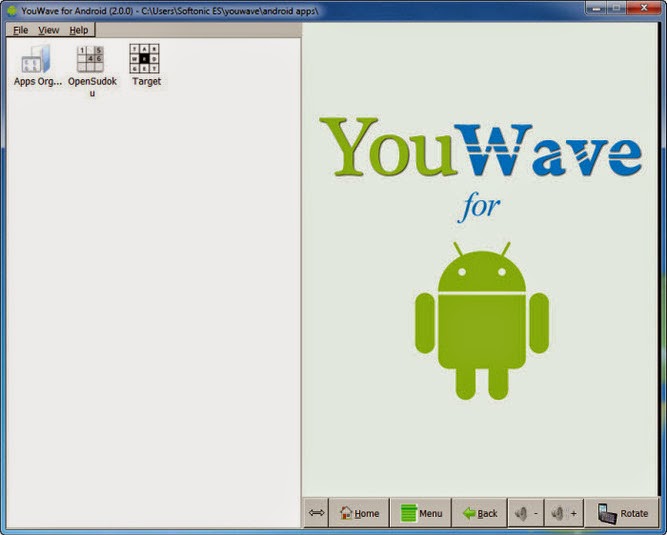
    Youwave is an emulator which acts as an Interface between Android and PC systems. It is the best alternative for Bluestacks to run Android apps and games on Windows PC and laptop. I will now show you how to download the game and run it on your PC using Youwave emulator. So, just follow my below simple steps.
    Asphalt 8 for PC
    • First of all download Youwave Android emulator from Here
    • Then install it on your PC and search for " Asphalt 8 Airborne " game 
    • Now select the respective game from list and click on Install button
    • The game will start to install on your PC and will appear in sometime
    • After the completion of Installation Asphalt 8 game is ready to play
    • Click on game and start playing the best racing game ever 
    Hope you are clear with this guide and you have successfully downloaded apshalt 8 for PC.Please feel free to comment your queries in the comments box below.

      How to Create New PayPal Account | www.PayPal.com Login and SignUp

      Posted by Unknown
      www.PayPal.com is an online payment gateway which is now owned by Ebay.com. It is one of the trusted and most used online transaction services for dealers and buyers. A simple gateway where buyers can meet the sellers with no third part interaction and exchange the money with service or good. It was launched over a decade ago and it is now running with millions of happy daily users. To be frank, most of the people suffer from exchange currency problem when they do online payments but PayPal does not bother you. They have their own exchange methods which is fast and the rates are even suitable but some country men dislike their rates.

      www.paypal.com Signup to Create new Account :

      You might have seen its payment gateway mostly on popular commerce websites like Amazon and Ebay. The reason why it has become a real success is that people get want they want , no middle men and they can get easy refunds when they dislike the received product or service. Reports state that they have made nearly $7.9 Billion by 2015 Q1. You might wonder how they make money, every time some one makes payment or transaction through PayPal. They have to share a fee to PayPal.
      www.PayPal.com Login
      Also See : Best Whatsapp Status 

      Make PayPal Account Online - Register on www.PayPal.com

      PayPal has become a definitive way of making online payments and transactions due to its vast security reasons. It is a comfortable platform for both Buyers and sellers to integrate products purchases and sales online. More over Commercial business has taken a loft such as Commercial websites which sells online goods, services and more. To start using PayPal you need to create an account. So, You may follow below steps which guide you how to make account on PayPal easily.
      • So first you have to go to PayPal official website from here
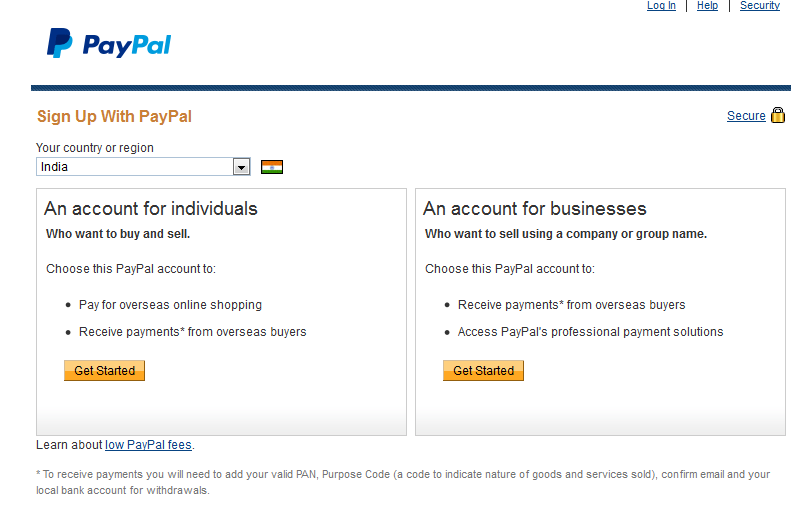
      • Next click on Sign Up button on top right corner of website homepage
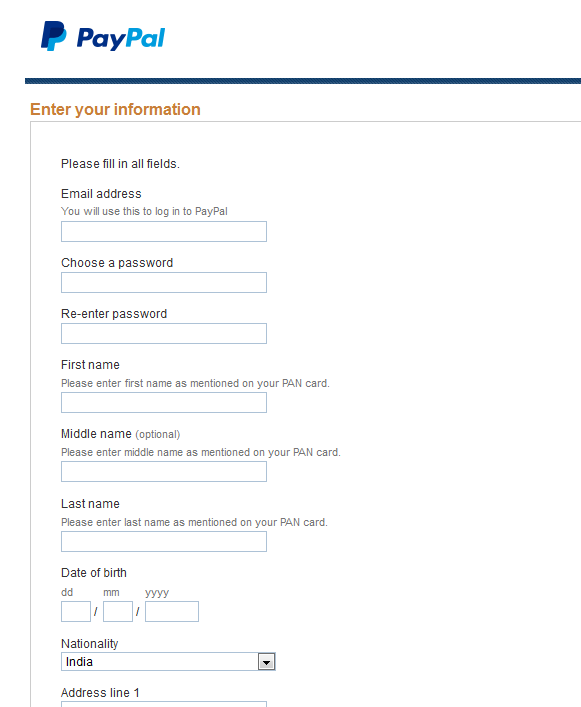
      • After that you will be taken to Registration form filling page, here you have to fill your details
      • First set your country, then residency along with the type of account to choose to make
      www.PayPal.com Login
      Most of the times, Personal works fine if you don't have a big business and need to do purchase and online transactions. You also need to note that Personal account is free to create while Advanced and Pro accounts charge $5/month and $30/month respectively. Every account has its own feature but I advise you to start with free one first.
      Also See : Asphalt 8 for windows 7
       www.PayPal.com Login
      • Then click on Get Started under Personal
      • Now fill all the details that are required in the empty boxes such as your contact information and at last enter your password
      • Now verify your account from your mail and that's it. You have successfully made your personal PayPal account

      Login into PayPal Account - www.PayPal.com Sign in 

      We have now created an account successfully on PayPal but we need to sign into it to start using it. You can start purchasing, paying and making transactions once you login into your account by following below steps.
      www.PayPal.com Login
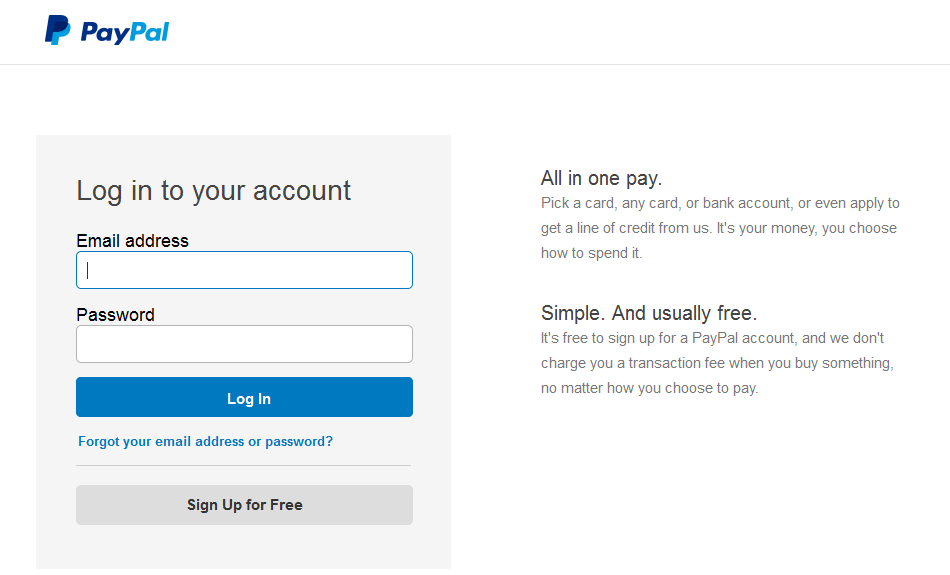
      • First you have to go to PayPal homepage 
      • Then go to their sign in page or visit here
      • Then you have to enter your Email address and Password
      • After that click on Login button and now you can use your account!

      Sunday, 12 April 2015

      Minecraft System Requirements for PC and Laptop Game Guide [ Windows XP 7 8.1 MAC ]

      Posted by Unknown
      Minecraft Requirements for PC : Minecraft  is online Lego building game which was developed by  Mojang. It has become one of the world's most popular game with millions of daily active users. This game can be played on online servers which may be private or Mojang servers. Every user can build their own minecraft kingdom and play. There are hundreds of features in this game that has attracted those many users. Even though this game was released some years ago, it is still relevant in the gaming world with majority of gamers liking it. If you are good at this game, you can also make your own Video channel posting Gameplays which may attract millions of users and even earn you some money. I have seen hundreds of guys doing the same on YouTube playing Minecraft all day long due to its addictive gameplay.


      Minecraft Requirements for PC  - Windows XP 7 8.1 and MAC

      Minecraft Requirements for PC
      Minecraft is a sandbox construction game where players can create their own world by placing blocks in three dimension world. They can join with others player using multiplayer mode. You can create amazing buildings, Castles, structures and a whole variety of world. They have released both Single player and Multiplayer modes to be played across online servers.
      Also See : Whatsapp for Samsung 
      The full version of game can be purchased for $26.95 which gives you access to this game for ever. You can sign up for their website creating your account and start playing on their official servers.It is released for a number of major Mobile and Desktop operating platforms. First the Computer edition was released followed by Console edition for Xbox 360, Xbox One, PS3, PS4, PS Vista. Then it Pocket edition of this game was released for mobile OS like Android, IOS, Fire OS and Windows Phone.
      One more fact is that they have sold more than 18 million copies of this game by 2015 first quarter.

      Minecraft System Requirements

      Gamers who want to play Minecraft game on their Computers and Laptops must make sure that they can run it. To be precise, you're PC and Laptop must meet the minimum requirements to run it easily. In order to run this game perfectly you can glance whether your PC is compatible with the recommended requirements.
      Minecraft Requirements for PC

       Minecraft Minimum Requirements:

      • CPU: Intel Pentium D or else AMD Athlon 64  2.6 GHz
      • RAM: 2 Gigabytes
      • GPU : Intel HD Graphics or AMD (formerly ATI) Radeon HD Graphics with OpenGL 2.1
      • GPU (Discrete): 
      1. Nvidia GeForce 9600 GT 
      2. AMD Radeon HD 2400 with OpenGL 3.1
      • Hard Disk Drive: At least 90 - 200MB for Game Core and Other Files
      As Minecraft game is played on online servers, you have to run it on the best available Java version.
      • Java 6 Release 45

       Minecraft Game Recommended Requirements:

      • CPU: Intel Core i3 or else  AMD Athlon II (K10) 2.8 GHz
      • RAM: 4 Gigabytes
      • GPU: GeForce 2xx Series or AMD Radeon HD 5xxx Series (Excluding Integrated Chipsets) with OpenGL 3.3
      • Hard Disk Drive: 1GB
      • Latest release of Java 7 from java.com
      Note: Before buying the Full version of this game, I advise all gamers to download the Demo version first. Then you can check whether this game is compatible with your PC and Laptop specifications. Next you may purchase the pro version and start playing.I hope you are clear with the Minecraft Game Requirements , if you still have any doubts please feel free to comment below I'll get back to you as early as possible.

      Note : This article is for Educational Purpose Only**

      Saturday, 11 April 2015

      Download Crossy Road Game for PC on Windows XP 7 8 and MAC

      Posted by Unknown
      Crossy road is a arcade game which follows the same concept of game Frogger. Many gamer have called it the tribute to Frogger in modern day. The whole game follows the same mechanics every time and no advancement is shown which extols the simplicity of the game. The game is very simple with a delightful gameplay and good charming graphics to it. The aim of this game is to cross different roads, landscape medians and rivers with floating tree logs. Yes, this game seems very tricky but once you perfect it, its gets much easier through all different levels. Whenever you cross roads and get hit by truck or any other vehicles the animal gets splashed to death on road. The game graphics and visual both of them are nice but in the same way too simple. The game is made of blocks of cubes.

      Download Crossy Road Game for PC - Windows and MAC

      Download Crossy Road Game for PC
      Crossy Road game has much simpler controls where you have to tap on screen to jump forward and move towards the end of road. You can use directions to move your Chicken across different directions of road you like. To be precise, to play this game perfectly you just have to tap on screen and keep going without waiting too much or else you lose anyway. At last I would say that this is a very charming game with nice 3D effects with good sounds, responsiveness.
      Must See : Download Hotstar

      Crossy Road Game Features :

      Crossy Road is a very different type of game where users have to hop around different modes of roads and ways and reach the other end. Game is very simple with one Aim to reach others end without being hit by any Truck or log.
      Download Crossy Road Game for PC
      • Simple game play, 3D effects and good graphics
      • A very calm and peaceful game with no massive distractions
      • Tap to Jump and use Directions move sideways
      • Crossy Road game is released for free for Android OS
      • It has very nice sound themes which makes the whole game classic

      Download Crossy Road Game for PC on Windows XP 7 8.1

      The best Arcade hopper game is here now, Yes its Crossy Road. Now it's your turn to make the fortune chicken cross the road while hopping steadily. It is really a great game with absolute touch response from every corner of screen. It is not yet released for PC but I will show you how to play this game on PC using Bluestacks.
      Download Crossy Road Game for PC
      • First you will have to Download Bluestacks for PC Android emulator for PC from here
      • Then install it on your PC/Laptop by following simple on screen guide
      • After that search for game "Crossy Road" using their search bar
      • Now select the respective game from search and click Install
      • Crossy Road game will now be installed on PC in sometime
      • After installation , the game will now be in Apps Menu
      • Run the game from Menu and enjoy hopping around

      Download Crossy Road Game for Laptop Windows XP 7 8 

      Youwave Android emulator is really an brilliant interface connector between PC and Android. It allows users to run different Android games and Apps on PC/Laptop for free. Let me show how you how to download and then install Crossy Road game using Youwave emulator.
      Download Crossy Road Game for PC
      • First you will need to download and Then install Youwave Android emulator for PC from here
      • Then search for " Crossy Road" game using search bar and Click on install button
      • The game will now be downloaded and automatically installed on your PC
      • After the game is successfully installed, Icon will now emerge in Menu
      • Double click on that icon and start playing with Fortune Chicken
      Must See : Download Showbox

      Download Crossy Road Game for MAC OS :

      Andyroid emulator is very fast, responsive and can run most of Android games on MAC OS. Mac OS is really commonly used but we cannot run Android games on them. So, You can follow my below steps which will extol how to download and run Crossy Road game on Mac OS.
      Download Crossy Road Game for PC
      • First we have to download Andyroid Android emulator for Mac from here
      • Then install it following on screen guide and go to next step
      • Now you have to search for" Crossy Road" game and then select to install
      • The game will be installed in sometime on your Mac
      • After installation is over you can now run the game easily

      www.Twitter.com Login signin &Twitter.com Follow - How to Create account

      Posted by Unknown
      www.Twitter.com: Twitter is an social media networking site which connect people through tweets.Every registered user of Twitter.com can follow or unfollow others with their main concept of sending tweets alive.Twitter is really one of its kind network with lots of unique features to attract million of users.To be precise Twitter is really clean than Facebook and other social media.While we come across many custom and better features by the giant.Twitter was created by Jack dorsey on 15 July,2006.Jack has been bubbling with the idea of Twitter for a long time and sometime later he brings twitter out on the internet making it the second best social networking site ever.
       twitter.com signup

      How To Create www.Twitter.com Login Signup and Account 

      Many of us might come to know what twitter is and we can send tweets here.tweets are nothing but custom messages or chats consisting of 140 characters.Even the unregistered users can read tweets from twitter.com but registered people can send,share, and re tweet messages likely.Every day more than 500 million tweet are sent by more than 271 million users as per July,2014.Number of registered users are increasing daily while twitter has reached more than 600 million users by now.

      www.Twitter.com Features

      Twitter has become one of the best social networking site for beloved stars and celebrates.As most of the Hollywood stars , famous politicians, writers and well know people have joined twitter on large basis.They later came up with their biggest sensation of using hashtag or #you can hashtag any word by adding "3" before it.It has been proven that Twitter hashtag has become more popular than Facebook.They respond  to  a certain category or topic to be discussed.

      So, Twitter is really large and you will surely love to join it.But for now let's know its features.
      Web Based Profile :  Twitter has recently redesigned their profile page to better one.It looks like your Facebook fan page and its better than previous one
      Tweet and Retweet : When you join Twitter you can compose your own tweets and share them , Later other can retweet it too
      Mobile Notification: You can get messages and notifications directly to your mobile by adding your mobile number to your Twitter account
      Remove location : Sometimes you might not want to show your exact location, then you can click on delete all location button.
      Archive data : Twitter makes it easier to backup all your direct messgaes, tweets and personal settings by archive settings
      Pin a tweet : Now you can pin any of your favorite tweet like in Facebook
      Mute anyone : You can easily mute any annoying user on Twitter
      Delete Direct Messages : Twitter allows you to delete any direct message with any of your friends
      Direct Messages and Sharing : You can send direct messages to any one by clicking on send direct message or PM.Twitter has now started to allow share videos.
      Follow or unfollow anyone : you can just follow anyone by clicking on Follow button in blue

      So, these were some of the best features of Twitter.com and you might be really intrested to join it after reading these features.Now we are going to learn how anyone can make an Twitter account and join it.

      Create Your New Account at www.Twitter.com Signup 

      • Firstly you have to visit twitter.com homepage or click here
      • Then you will be taken to their website homepage 
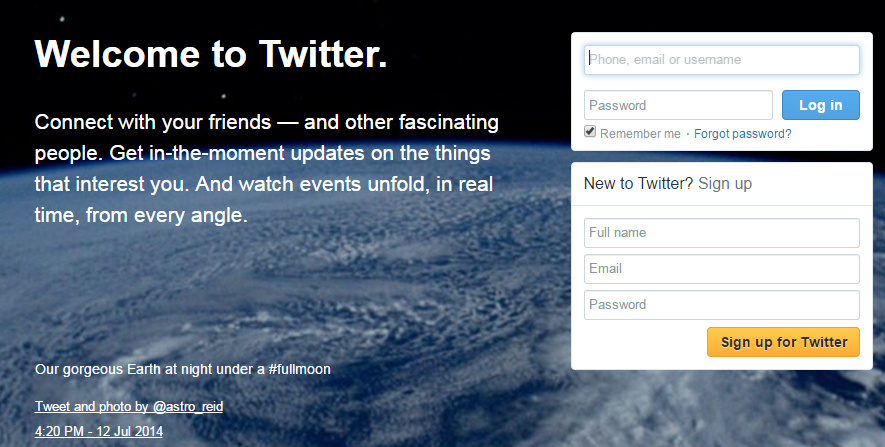
      • You will be seeing an similar screen as below
       twitter.com login and signup
      • You have to fill all the required fields and enter an valid email address
      • Then click on " Create my account" and your account will be created
      • Hurrah! Your Twitter account has been created successfully in just minutes

      Login Twitter

      • After creating your account, you have yo verify it from your email account
      • Then enter your Login ID and Password to login into your Twitter account
      www.twitter.com login page

      If you have any confusion feel free to comment below we will get back to you as soon as possible !! Please stay tuned and bookmark to our site for more latest tips and tricks.